What Is a Training Clicker?

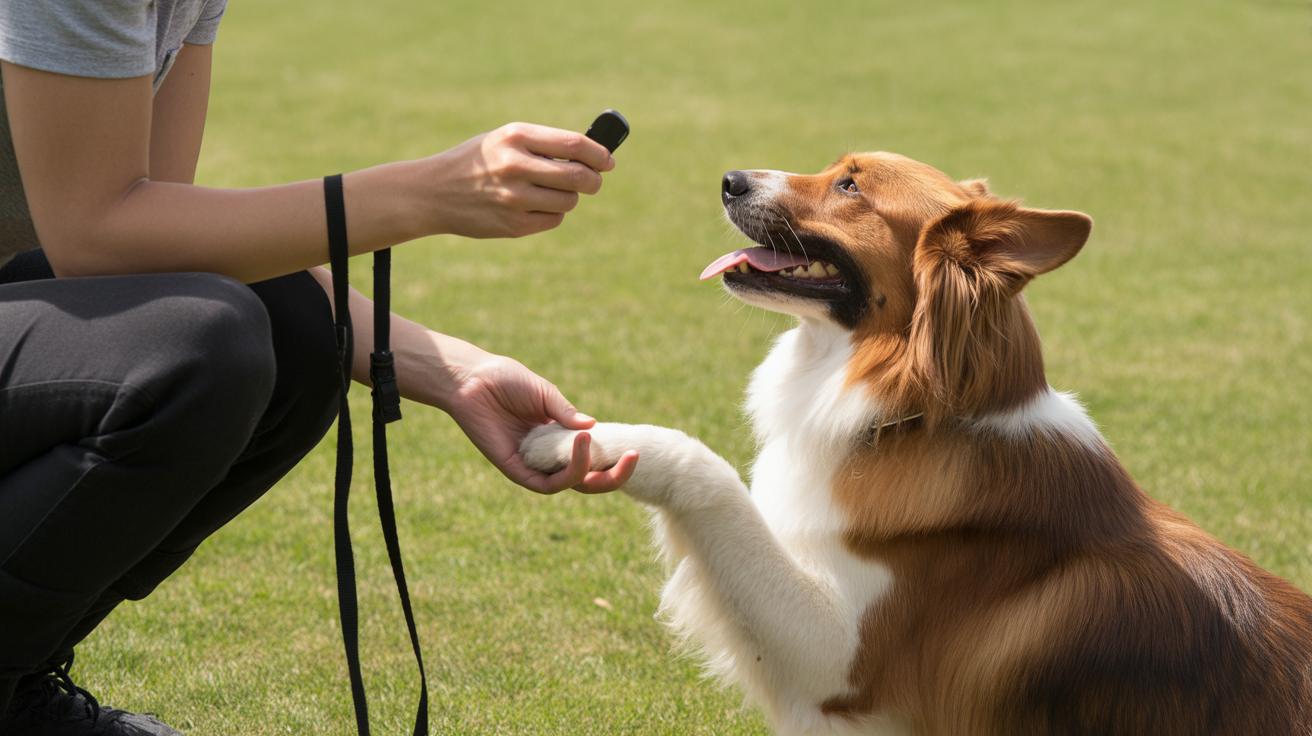
Want faster, less guessy training for your cat or dog? Ever watched your kitty chase shadows and wished you could reward the exact moment she pounces? A training clicker (a small handheld gadget you press with your finger that makes a short, sharp click) does exactly that. It marks the exact moment your pet does the thing you want (mark means a clear, consistent signal), so there’s no wondering what earned the treat.

Think of the click as a tiny, reliable "yes" you can give in a blink. Click, treat, repeat. It’s simple. It clears up confusion and speeds learning, especially for shy kitties whose whiskers start twitching when they finally get it. My Luna started purring at the sound, true story.

Start small: use tasty treats, keep sessions short, and reward right after the click so your pet links the sound to the good thing. Try one, you might end up with a purring, click-loving companion. Worth every paw-print.

What Is a Training Clicker?
- Quick lede clear definition, why it helps, and a one-line buy cue.jpg

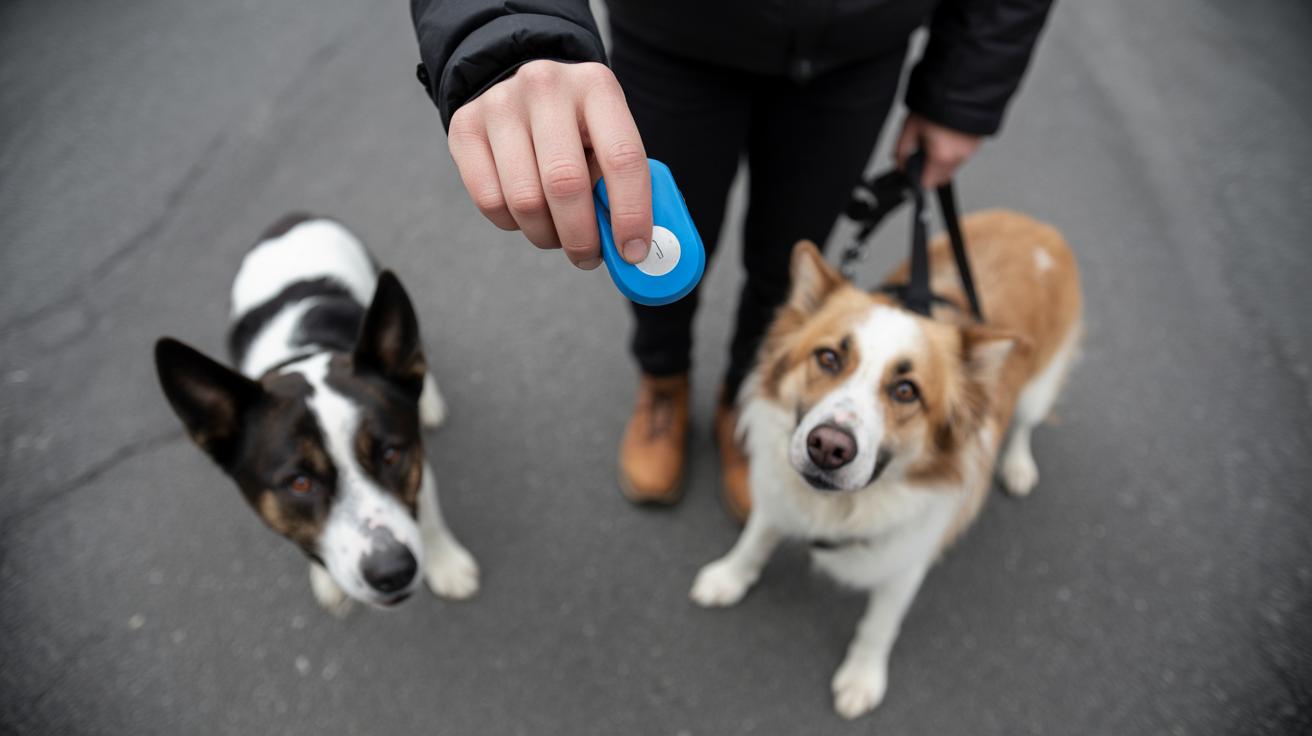
A training clicker is a small handheld device (a tiny gadget you press with your finger) that makes a consistent, sharp click to mark the exact moment a pet does something you want. That click is an immediate, clear signal telling your cat or dog which action earned a reward. Think of it as a tiny, reliable "yes" you can give at lightning speed.

Using a clicker speeds up communication, especially with skittish cats who need precise timing. It helps avoid the "did I mean that?" guessing game and makes learning faster and less confusing. When you press the clicker, then give a treat right after, your pet links the sound to the reward and repeats the behavior.

Pick a simple, reliable clicker that fits your hand – ergonomics (how comfy it feels to hold) matter. Also choose a sound level (how loud it is) that won’t scare your pet; some cats prefer a softer click or a silent clicker. Try the click near your pet a few times and watch their reaction before you start training.

Common uses

  • Basic commands – mark sits, downs, and eye contact.
  • Shaping behaviors – reward tiny steps toward a bigger skill (shaping means breaking a trick into little pieces and rewarding each step).
  • Recall and leash cues – mark quick comes and loose-walk wins (recall means coming when called; leash cues are the small wins while walking on leash).

Quick tip: click at the exact moment your pet does the thing you want, then treat right away. Timing is everything. Worth every paw-print.

How a training clicker works: the learning mechanisms and core training chain
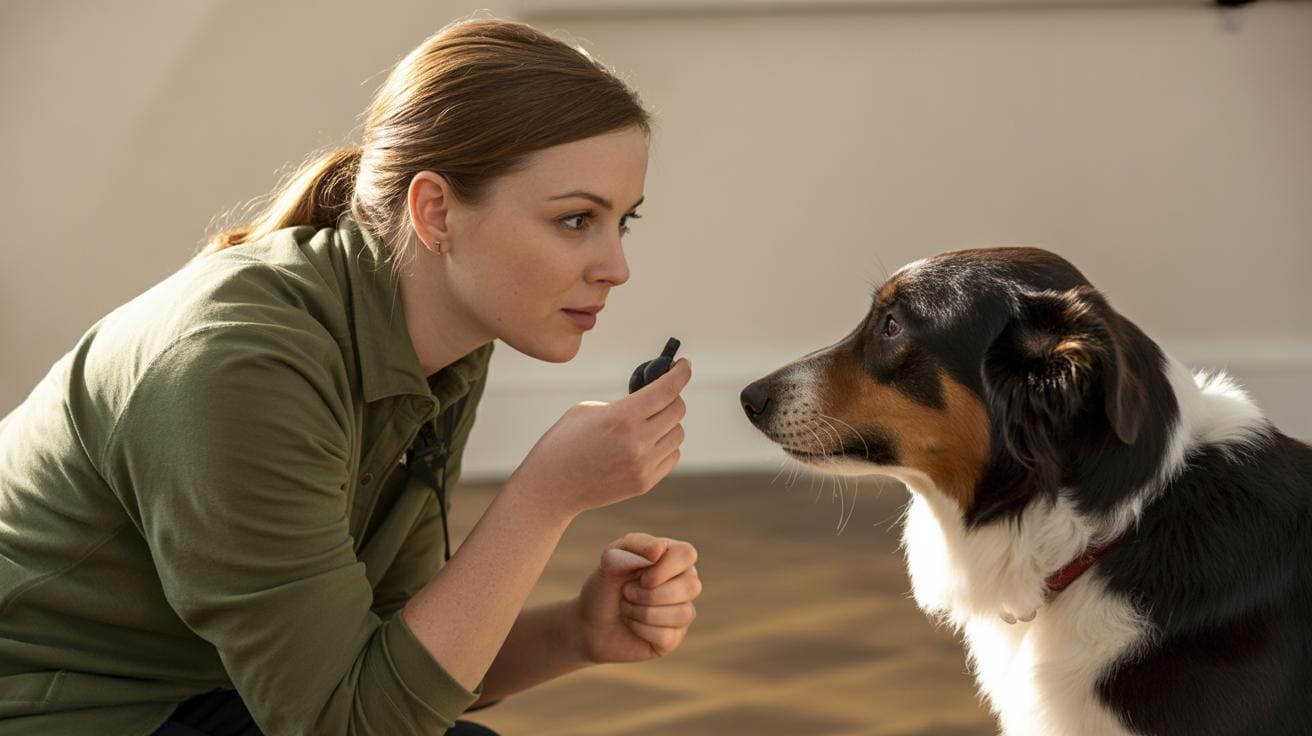
- How a training clicker works the learning mechanisms and core training chain.jpg

A clicker is a tiny tool that makes a short, steady click. That crisp little sound tells your cat exactly which split-second move earned a reward. Think of it as a precise marker that freezes the moment your kitty did the right thing.

The clicker relies on two learning processes. Operant conditioning (learning when actions change because of rewards) links what your cat does to the outcome. Classical conditioning (learning when a neutral sound predicts a reward) teaches the cat that the click itself means a treat is coming. The basic training chain is simple: action, then click, then reward.

Charge the clicker first by pairing the sound with food. Click, give a tiny treat, repeat a few times until the cat looks for a treat after the click. Pretty soon the click predicts the treat and becomes meaningful on its own.

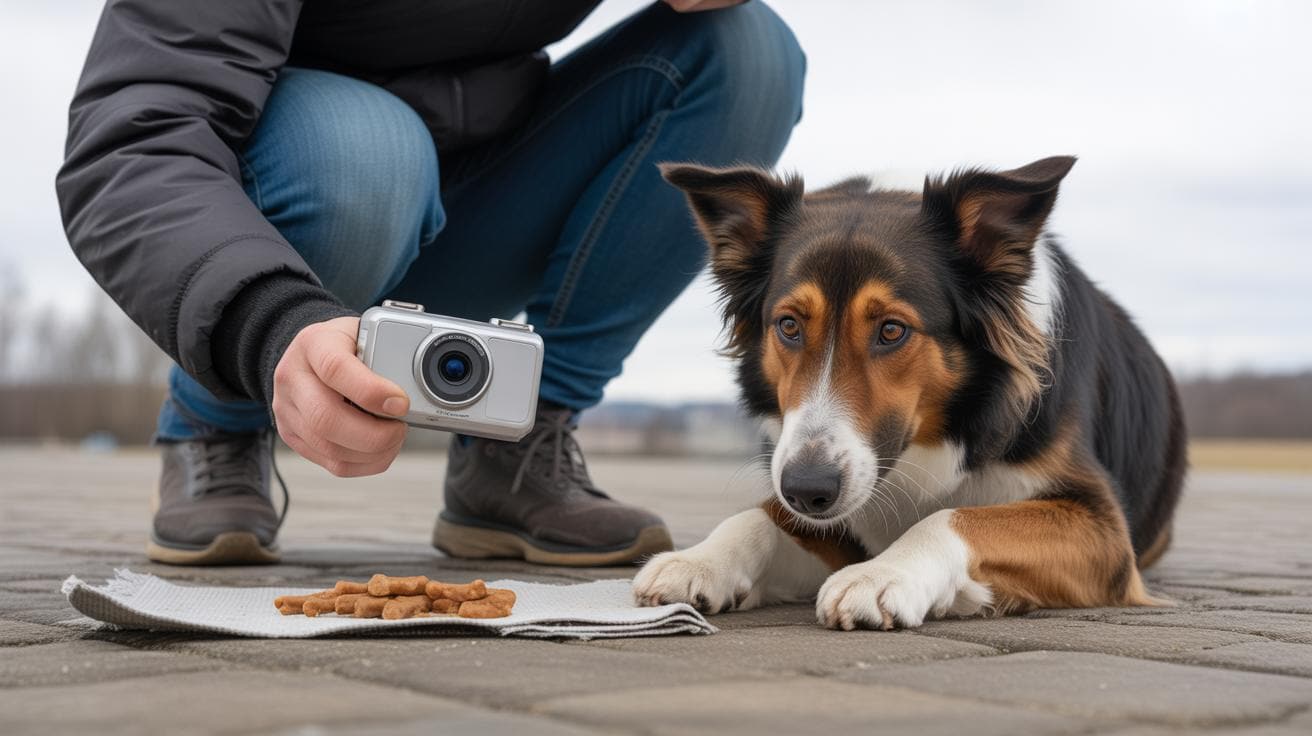
The click is useful because it marks micro-movements (tiny bits of behavior, like a paw lift or a head turn). That lets you shape bigger tricks one small step at a time. Think of the clicker like a camera shutter for behavior , it captures the exact moment you want.

Simple steps to follow:

  1. Build the click→treat link by clicking and rewarding several times.
  2. Click the exact instant your cat makes the target action.
  3. Give the reward right after the click.

Timing matters. If you wait too long to click or to give the treat, your cat might connect the wrong thing to the sound and learning slows. Ever click a heartbeat late and your cat thinks the sunbeam earned the snack? Yeah, been there.

Start with tiny steps, reward often, and slowly replace treats with everyday rewards like praise or a favorite toy. It’s claw-tastic when it clicks into place. Worth every paw-print.

Origins and brief history of the training clicker
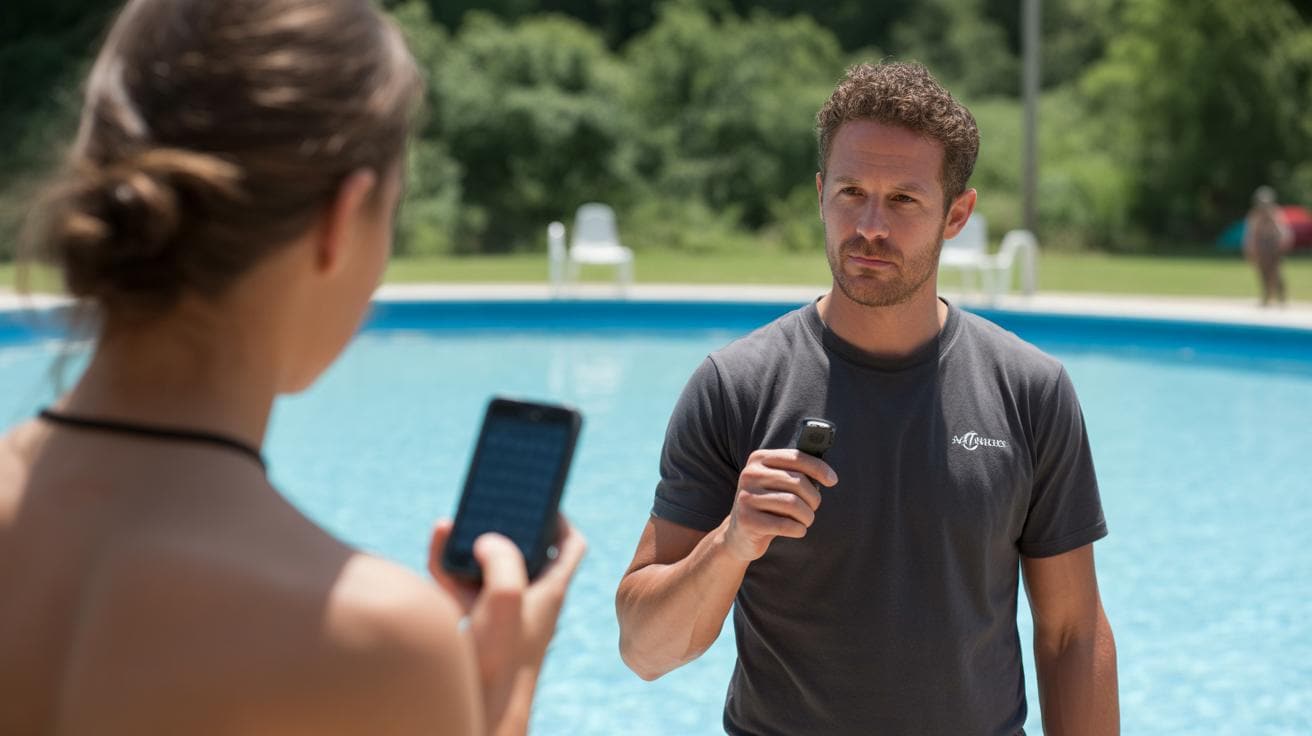
- Origins and brief history of the training clicker.jpg

It all began in marine mammal training, where handlers needed a clear, repeatable sound to mark the exact moment an animal did something. They used a short, sharp noise called a marker (a short, repeatable sound that marks the exact moment a behavior happens), then gave the animal fish as a reward. The click was simple, reliable, and easy for the animal to link to the reward.

That little mechanical sound (think a small handheld clicker, a device that makes the same click every time) helped trainers close the gap between action and reward. That mattered a lot when animals were far away, worked in noisy pools, or did fast moves that were hard to reward instantly. It made timing precise, and timing matters.

From there the idea moved out of pools and into homes, shelters, and kennels. Behavior scientists and pet trainers adapted marker-based methods for dogs, cats, and other companions. Karen Pryor and a few other teachers wrote about the science, taught the method, and showed how a simple marker plus rewards can teach very precise, sometimes complex behaviors across species. Ever clicked for a perfect sit or a neat trick? It's oddly satisfying.

  • 1950s–1970s: Marine mammal trainers used marker sounds during performances and research.
  • 1970s–1980s: Companion-animal trainers began experimenting with marker-based methods for dogs and cats.
  • 1980s onward: Karen Pryor and colleagues published, taught, and popularized clicker-based, reward-focused training.

Worth every click.

Benefits of clicker training and outcomes it helps produce
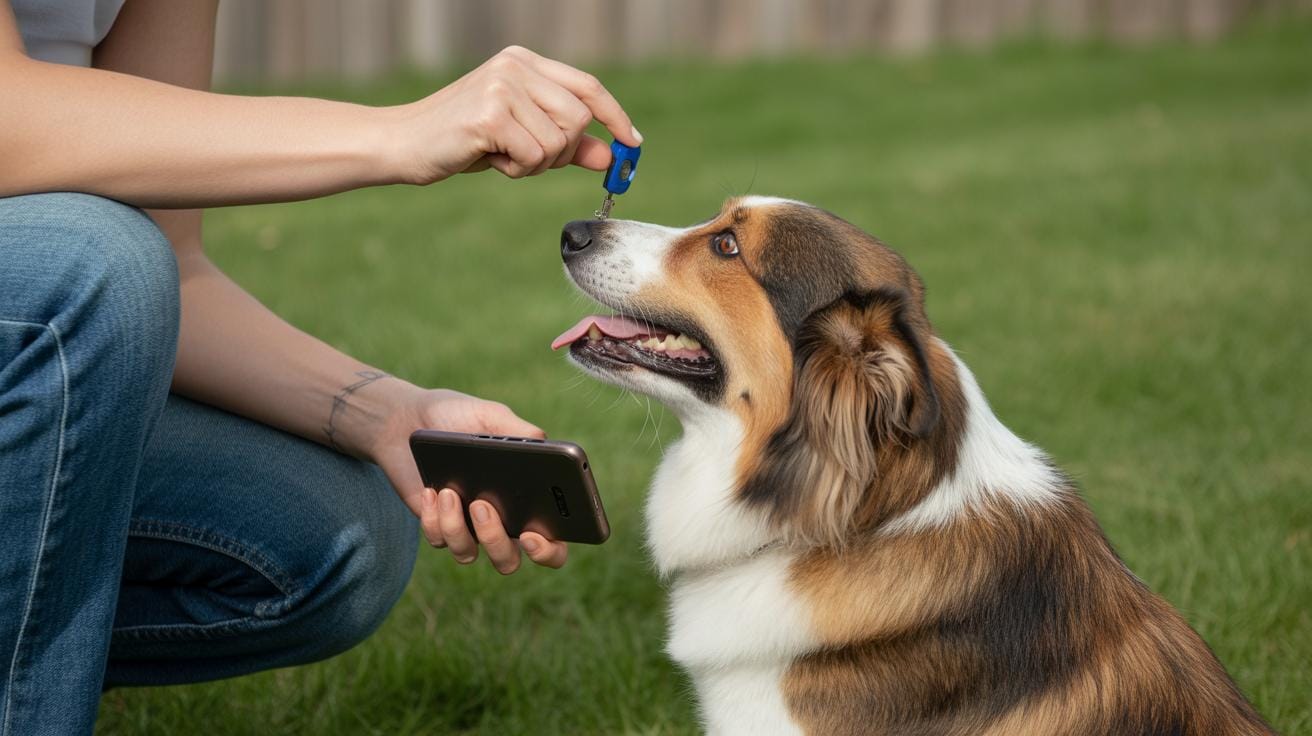
- Benefits of clicker training and outcomes it helps produce.jpg

Clicker training uses a clicker (a small handheld tool that makes a quick, sharp sound) to mark the exact moment your pet does something right. It’s a reward-based signal (you click, then give a treat or praise), so training stays calm and clear. That exact timing helps animals learn faster and without corrections (no scolding or physical force).

Animals quickly learn to cooperate because the cue is predictable and kind. You’ll see ears perk, whiskers twitch, and a real eagerness to try new things. Ever watched a cat or dog brighten at that single click? It builds trust fast and makes handling, like grooming or nail trims, less stressful.

This method is a lifesaver in busy homes, fosters, and shelters. Short, focused sessions give reliable responses even from short-term caregivers. For staff with little time, a few clicks and treats can turn chaotic moments into calm, cooperative ones.

  • Less aversive: Uses rewards instead of corrections, so pets stay relaxed and curious. Think soft interest, not fear.
  • Builds a cooperative bond: Positive, predictable sessions make pets want to work with you and tolerate handling better (cooperative meaning calm, voluntary participation).
  • Practical for busy, foster, and shelter settings: Quick, low-stress cues help staff and short-term caregivers get reliable responses fast, useful when shifts change or there’s little time to train.

Step-by-step beginner how-to for using a training clicker
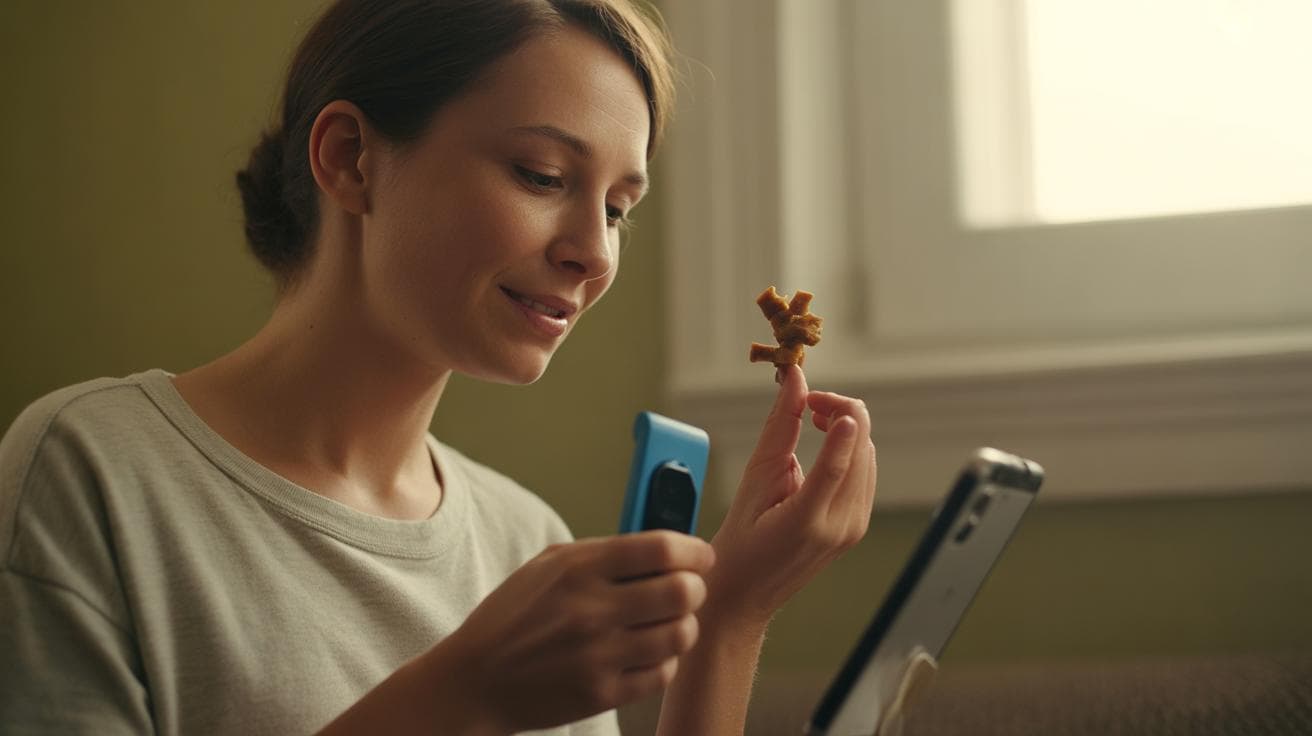
- Step-by-step beginner how-to for using a training clicker.jpg

Start in a calm, low-distraction spot with tiny, high-value treats and a learner who’s a little hungry. Charge the clicker (a small handheld device that makes a quick, sharp sound) so the click comes to mean “treat is coming.” Timing is the real magic , click exactly when the behavior happens. Keep sessions short, about 5 to 15 minutes, and use very small treats so your pet stays eager for more.

Charging the clicker

Charging the clicker means pairing the sound with a treat so the click becomes a reliable signal before you ask for anything.

  • Hold the clicker comfortably in your hand.
  • Click once (a single, sharp press).
  • Give a tiny treat right after the click.
  • Repeat that click → treat sequence 5 to 10 times.
  • Test it: click when your pet is doing nothing and see if they look for a treat.

First training session setup

A quick checklist to get you ready.

  • Quiet room or corner with few distractions.
  • Treats cut into pea-sized pieces (tiny, so they don’t fill up fast).
  • Keep the session 5 to 15 minutes.
  • Put phones and toys away so you can focus.
  • Use a reward your pet loves right now , turkey, chicken, or something extra tasty.
  • Jot one short note about what worked after each session.
  1. Charge the clicker first using the routine above.
  2. Stand near your pet and choose one simple behavior to teach, like sit or touch.
  3. Wait for the behavior to happen naturally, or lure it gently with a treat (think of it like fishing for a response).
  4. Click the instant the behavior occurs , not before, not after. Timing, remember?
  5. Give the tiny treat immediately after the click.
  6. Repeat the behavior several times, keeping your timing steady.
  7. Slowly make the treats smaller and start rewarding every other or every third correct response.
  8. Test the clicker as a marker by clicking from a little farther away and watching for that treat-seeking look.
  9. End on a high note with a favorite reward or a short play break. Worth every paw-print.

Practice short sessions daily. Quick troubleshooting: recharge the clicker if your pet ignores clicks, make treats smaller if they get full too fast, and cut distractions if your timing slips. Full fixes are in the Troubleshooting section, but these little fixes usually do the trick.
What Is a Training Clicker?

- Practical exercises and example behaviors to teach with a training clicker.jpg

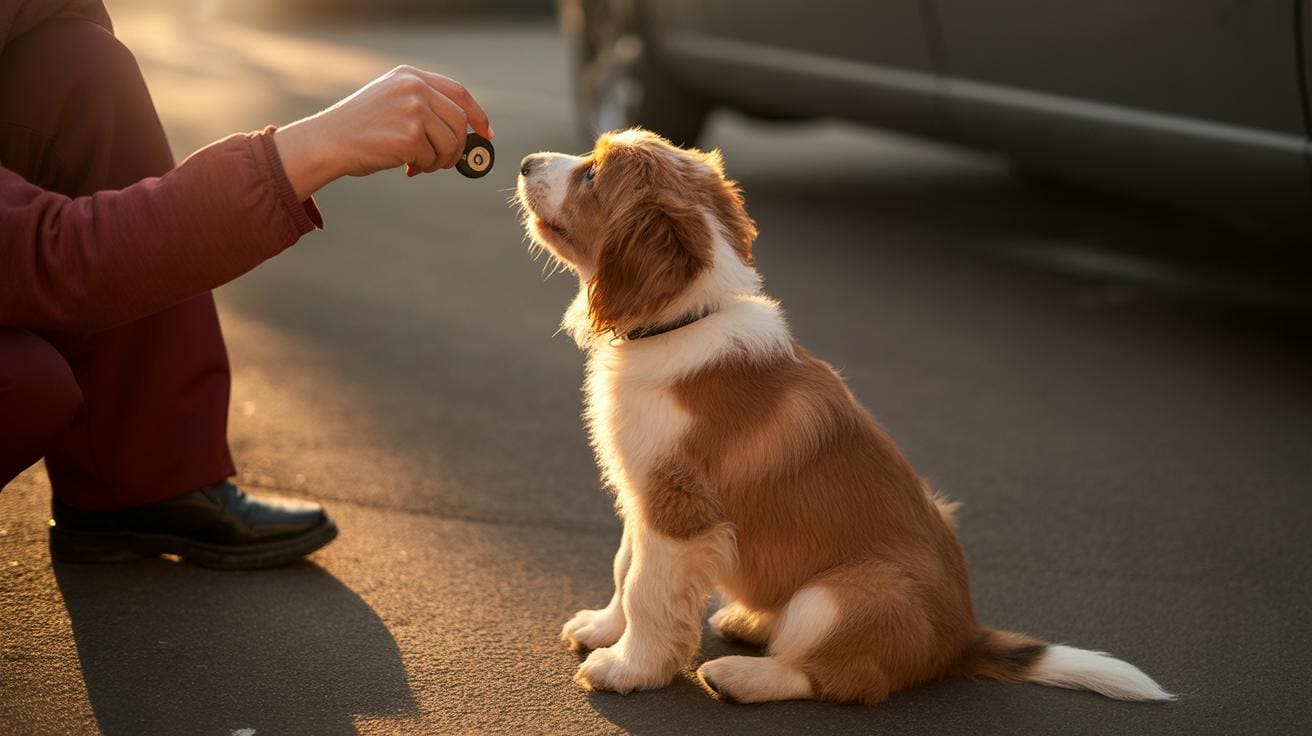
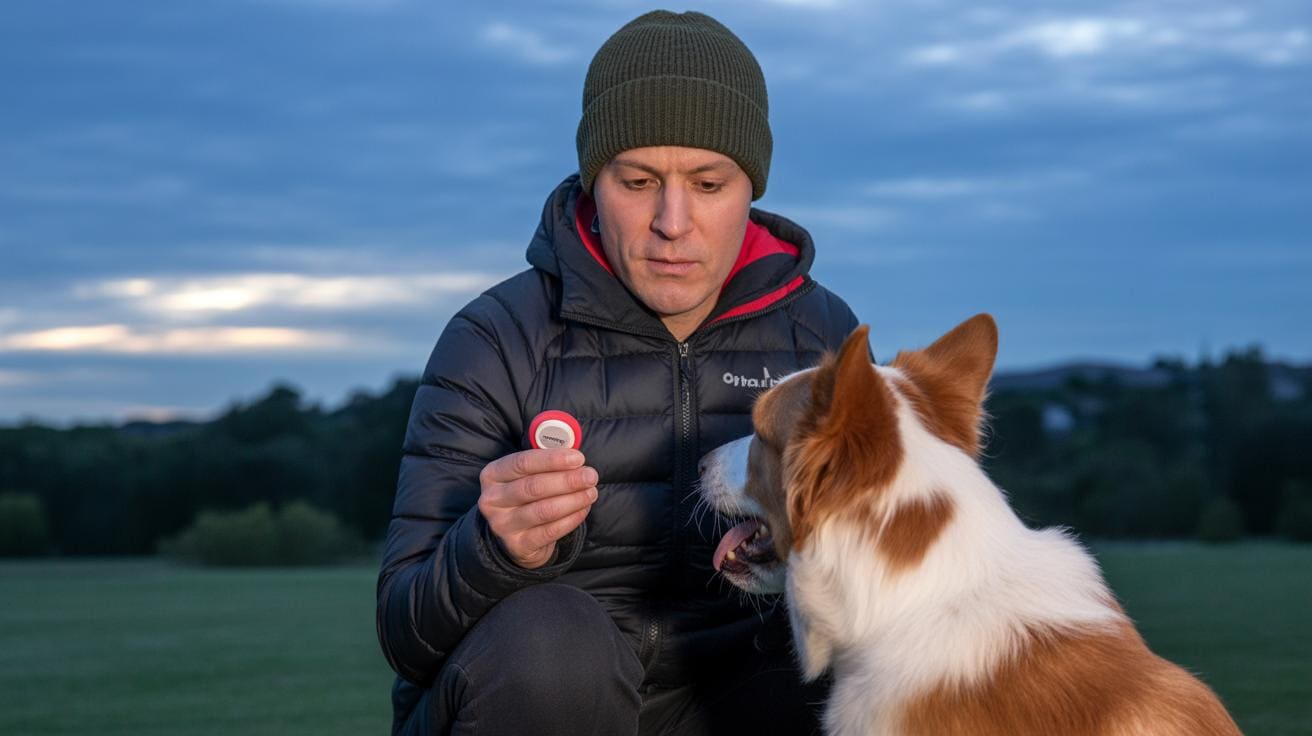
A training clicker is a tiny handheld device that makes a clear, consistent click (think: a quick, sharp sound) to mark the exact moment your dog does the thing you want. It gives you a super-precise way to tell your dog, yes, that was perfect. Cool, right?

Want a handful of ready-to-try exercises? Here are six simple drills you can do with a clicker to build useful skills, great for puppies or adult dogs. Short sessions, lots of tiny wins.

  • Capture a sit , Goal: reward a naturally offered sit. Wait quietly and click the instant their rear hits the floor, that clean moment, then drop a tiny treat. After a few clear reps, add a verbal cue and practice in slightly busier rooms so it generalizes.

  • Shape a down , Goal: build a full down by rewarding tiny steps (shaping means breaking a behavior into very small pieces). Click each small improvement: nose lowering, elbows tucking, then the full lay-down. Use micro-treats and only move to the next step when the current one is reliable.

  • Recall in a quiet space , Goal: a dependable come in low-distraction areas (recall means coming when called). Call softly, click the instant they reach you, and reward with a high-value treat (something extra tasty) plus warm praise. Slowly add distance and gentle distractions once it’s consistent.

  • Target touch for positioning , Goal: teach nose-to-target so you can guide movement (target can be your finger or a small stick). Present the target, click the exact touch, then reward. Gradually use the target to steer sits, spins, or stepping onto a platform.

  • Leash loose-walk micro-rewards , Goal: reward short moments of a slack leash to teach loose walking. Click when the leash relaxes, then reward with a treat or letting them walk forward. Ask for slightly longer slack before clicking over time, and fade treats into occasional rewards.

  • Crate approach and step-in , Goal: make the crate a comfy choice. Click for approach, click for a nose or paw in, then click when they step fully inside; reward and close the door briefly. Build up duration slowly and keep breaks calm so the crate stays a safe, pleasant spot.

Keep sessions short, five to fifteen minutes, and end on a happy note. Mark tiny wins and move up only when the behavior is steady for a few sessions in a row. Worth every paw-print.

Troubleshooting common training clicker problems and mistakes

- Troubleshooting common training clicker problems and mistakes.jpg

If your training hits a roadblock, pause and check the basics first: is the click-to-treat link weak (click-treat association – the sound no longer predicts a reward), is your timing off, are the rewards not worth it, or is the environment distracting? Don’t worry, we’re not repeating full lessons here – for step-by-step practice see Step-by-step beginner how-to and the Charging the clicker H3.

Problem Likely cause Recommended fix
Click ignored Weak click-treat association (the click no longer reliably predicts a treat) Re-charge the clicker – rebuild the sound-to-treat link so the click again means food
Wrong behavior rewarded Click timing off (clicked too early or too late) Do timing drills (practice marking the exact moment). Slow down and mark the precise action
Dog/full too fast Treats too large or sessions too long Use tiny, pea-sized treats (very small food rewards) and shorten sessions
No interest in food Low food drive or wrong reward Try higher-value treats or switch to play/toy rewards that your pet loves
Trainer misses micro-moments Poor hand-eye timing or rushing Mark bigger, slower actions first. Practice on simple moves before fine details
Pet startled by sound Clicker too loud or surprising Try a softer clicker or a visual/tactile marker (a hand signal or gentle tap)
  • Re-charge the clicker – see "Charging the clicker" in Step-by-step beginner how-to.
  • Practice timing drills – see Step-by-step beginner how-to, steps 4-6.
  • Shrink treats and shorten sessions – see "First training session setup."
  • Swap rewards if food interest is low – see Step-by-step beginner how-to for alternatives.
  • Slow your delivery and mark larger, slower actions first – see Step-by-step beginner how-to steps 2-5.
  • Try a softer or electronic clicker (quiet beeping device) if your pet startles – see Types of training clickers for options.

If your learner shows fear or aggression, stop the session and consult a certified behavior professional for a safe plan. Worth every paw-print.

Types of training clickers and how to choose the best one

- Types of training clickers and how to choose the best one.jpg

Clickers usually come in four common styles. There’s the classic handheld plastic clicker with a metal strip (a tiny box you press that has a thin springy metal tongue), quieter muted models with a softer sound, electronic clickers that beep or flash and run on small batteries (like watch batteries), and visual or tactile markers such as lights or vibrations for deaf or noise-sensitive pets. Pick the one that fits your pet’s hearing and your hands, and pay attention to sound level, how it feels to hold, and whether it seems well made.

Type Pros Cons Best for
Handheld plastic Simple to use. Very cheap. Gives a clear, consistent click sound. Can be loud or awkward for small hands. Most pet owners and beginners.
Silent / muted Softer sound that is less likely to startle pets. Can be hard to hear in busy or noisy places. Skittish or noise-sensitive cats and dogs.
Electronic Volume often adjustable. Some models add lights or multiple tones. Needs batteries. Can feel less tactile than a clicker you press. Trainers who work in different rooms or want presets.
Visual / tactile Works when sound is a problem. Good for deaf pets or quiet homes. Pet must see or feel the signal to learn it. Deaf animals, very noisy environments, or owners who prefer no sound.

Here are a few friendly tips to help you choose.

  • Test the sound near your pet before you buy. See if it startles them or makes their whiskers twitch.
  • Pick an ergonomic design you’ll actually use. If it’s comfy, you’ll click more often and that’s how learning happens.
  • Think multi-animal: different sounds or colors help tell pets apart during training.
  • Want hands-free? Look for wrist-attach or clip models so you can hold a toy or treat while you click.
  • Check durability. A solid casing and a sturdy metal strip (the little springy part) usually last longer.
  • Balance price and features. A cheap clicker works fine to get started.
  • If your pet hates noise, try a visual or vibration marker, or chat with a trainer for other options.

Ever watched your cat chase a dot of light? Clicker training can give you that same spark, only with treats. Worth every paw-print.

Fading the clicker, reinforcement schedules, and maintaining learned behaviors

- Fading the clicker, reinforcement schedules, and maintaining learned behaviors.jpg

Once a behavior is reliable, the goal is to stop leaning on the clicker so your pet does the thing in real life without always expecting a treat. Think of it like teaching your cat to come when called even if there is no tuna waiting. It keeps responses useful in messy, distracting places.

Why fade the clicker? If you always click and feed, your pet learns to wait for a snack. Gradually removing the click and food prevents that and lets you use everyday wins as rewards , a walk, playtime, or being let out. That makes the behavior more useful and more likely to happen when it counts.

Here’s a simple fade process you can follow, with rough timing and examples. Fixed ratio (reward after a set number of responses). Variable reinforcement (rewards come unpredictably but average out). No crazy jargon, promise.

  1. Continuous to fixed ratio (days)
    Start by rewarding every correct response like you always do. Then move to rewarding every 2 to 4 responses for several days. You still celebrate the wins, just not every single time. It feels silly at first, but your pet will catch on.

  2. Increase the ratio (1 to 2 weeks)
    Once it’s steady, stretch out the rewards , try every 5th response, then every 8th as the behavior stays solid. If your pet starts missing cues, drop back a step for a day. Small step backs are fine; we’re building reliability, not pressure.

  3. Variable reinforcement (2+ weeks)
    Now switch to an unpredictable pattern so rewards are not on a set count. For example, average one reward every 3 responses , sometimes after 1, sometimes after 5. This unpredictability makes the behavior persistent, kind of like how slot machines keep people trying. It works, but be gentle , too much randomness too fast can be confusing.

  4. Real-life rewards and maintenance
    Replace most food treats with natural outcomes: play, a walk, attention, or access to the door. Keep giving food sometimes so the behavior stays exciting , maybe a mini-treat now and then. Practice in different rooms and with mild distractions so the response stays solid everywhere.

Quick tips: if your pet pauses and looks for food, reward the behavior you want right away with something real. For busy days, toss a toy or a short play session before you leave , that’s real reward, and fast. Ever watched your kitty pounce on a feather wand after a long nap? That’s the joy we want to tap into.

Worth every paw-print.

FAQs, safety tips, and resources for training with a training clicker

- FAQs, safety tips, and resources for training with a training clicker.jpg

  • How do I start?
    Start by "charging" the clicker (small handheld sound marker) so your pet learns that click equals good stuff. See "Charging the clicker" in the Step-by-step beginner how-to for the exact steps. Try this simple routine: Click. Treat. Wait for the twitch of interest. Repeat a few times, and the sound will start to mean treats.

  • How long should sessions be?
    Keep it short and sweet, about 5 to 15 minutes tops, see "First training session setup" for details. Five focused minutes beats a distracted half hour. Your learner stays eager, and you stay sane.

  • My pet ignores the click, now what?
    If the click isn't grabbing attention, rebuild the link using higher-value treats for a few quick reps, see "Charging the clicker." Use tiny, super-smelly bites so they notice right away. Short and tasty wins over long and boring.

  • Deaf or noise-sensitive pet?
    No problem, use a visual or tactile marker instead, like a quick light flash or a gentle vibration (a tap on the shoulder or a vibration collar, used carefully). See "Types of training clickers" for alternatives and matching tips to your pet's sensitivity.

  • Could training frighten my pet?
    Training should never scare them. Watch for stress signs, like wide eyes, tucked tail, freezing, or trying to hide. If that happens, stop, breathe, and slow the pace. Give breaks, make sessions fun, and go back to tiny steps.

  • When do I add a verbal cue?
    Add a word after the behavior becomes reliable, not before. First get the action consistent with the click, then pair the cue. It helps to say the cue calmly, then click and treat when they do it.

  • What treats work best?
    Tiny, high-value bites work best, think pea-sized pieces or small bits of chicken. Keep them small so your pet stays hungry for more practice. For picky pets, try a mix of options so you can swap to what feels irresistible.

  • How often do I click during shaping?
    Click each time your learner makes a small correct step toward the goal, see "Fading the clicker." Then slowly click less as the behavior becomes solid, so the cue and behavior stick without the crutch.

  • Safety checklist
    Stop if your pet shows stress. Use tiny treats so they don't get full fast. Don’t train right after a big meal. Match the marker to their sensitivity, whether sound, light, or touch. And, you know, keep nails safe and floors clear for dramatic leaps.

Further resources, compact and specific

  • Don't Shoot the Dog! , Karen Pryor, classic book on positive reinforcement and shaping, good for beginners and pros.
  • The Trainable Cat , John Bradshaw and Sarah Ellis, practical tips if you're working with cats specifically.
  • Karen Pryor Academy (KPA) , online courses and workshops focused on marker training (great for hands-on skills).
  • International Association of Animal Behavior Consultants (IAABC) , articles, courses, and a searchable list of certified behavior consultants.
  • For fear or aggression, seek a certified behavior professional , look for a board-certified veterinary behaviorist (DACVB, a veterinary specialist) or an IAABC or CCPDT-certified trainer (CCPDT is the Certification Council for Professional Dog Trainers) for tailored behavior plans and hands-on help.

Worth every paw-print.

Final Words

We jumped right into a clear definition, why the click helps, and a one-line buy cue. Then we dug into the learning science, a brief history, real benefits, step-by-step how-to, useful exercises, troubleshooting, gear choices, fading plans, and FAQs.

That gives you a practical playbook for short daily sessions that cut boredom, sharpen recall, and stretch your toy budget.

If you wondered what is a training clicker, it’s a tiny, reliable marker (a small handheld device that makes a consistent clicking sound) that bridges action to reward. Worth every paw-print.

FAQ

What is a training clicker used for?

A training clicker is a small handheld device that makes a consistent click to mark the exact moment a desired behavior occurs, acting as a sound marker to signal a forthcoming reward.

How does a training clicker work?

It marks the precise instant of the target action—action → click → reward—creating operant (reward-based) learning; repeated pairing makes the click predict reinforcement.

What age should you start clicker training?

You can start with puppies as young as about eight weeks, and with people when they grasp cause-and-effect; use very short, low-distraction sessions and tiny rewards.

Why would someone use a clicker and what does it do during training?

A clicker gives a fast, precise marker that speeds learning, reduces confusion, helps shape small steps (shaping), and clarifies correct responses to redirect unwanted behavior.

Is clicker training bad or are there downsides?

Clicker training itself isn’t bad; problems come from poor timing, a weak click→treat link, oversized treats, or training a stressed learner—fix these by recharging the link and practicing timing.

How do beginners start clicker training for dogs or puppies?

Start by charging the clicker (click then treat 5–10 times), practice timing on easy actions, keep sessions 5–15 minutes, use tiny high-value treats, and work in a low-distraction area.

What is clicker training for humans?

For humans, the click is used as clear feedback to mark desired actions in learning or rehab settings, though verbal markers or brief praise often serve the same purpose.

Related Articles

Author

  • Lucas Turner

    Lucas Turner is an urban photographer based in Chicago, Illinois, known for his captivating images that highlight the pulse of city life. With a unique perspective, he captures the vibrant contrasts between architecture, people, and the urban environment, telling stories through his lens.

    Outside of photography, Lucas enjoys coffee shop hopping, exploring the diverse cafes around the city. He finds that each coffee shop has its own vibe, offering a perfect setting for creativity to flow. As he often says, “A good cup of coffee and a new view always inspire my best work.”

    Lucas’s photography is a reflection of his love for the city’s energy and the quiet moments found within it.

    View all posts

Similar Posts